Bring Your Code into the Power Platform with Power Apps Code Apps
By providing insights along a live demo, the presentation took part in the Power Platform Community call, directed by David Warner.
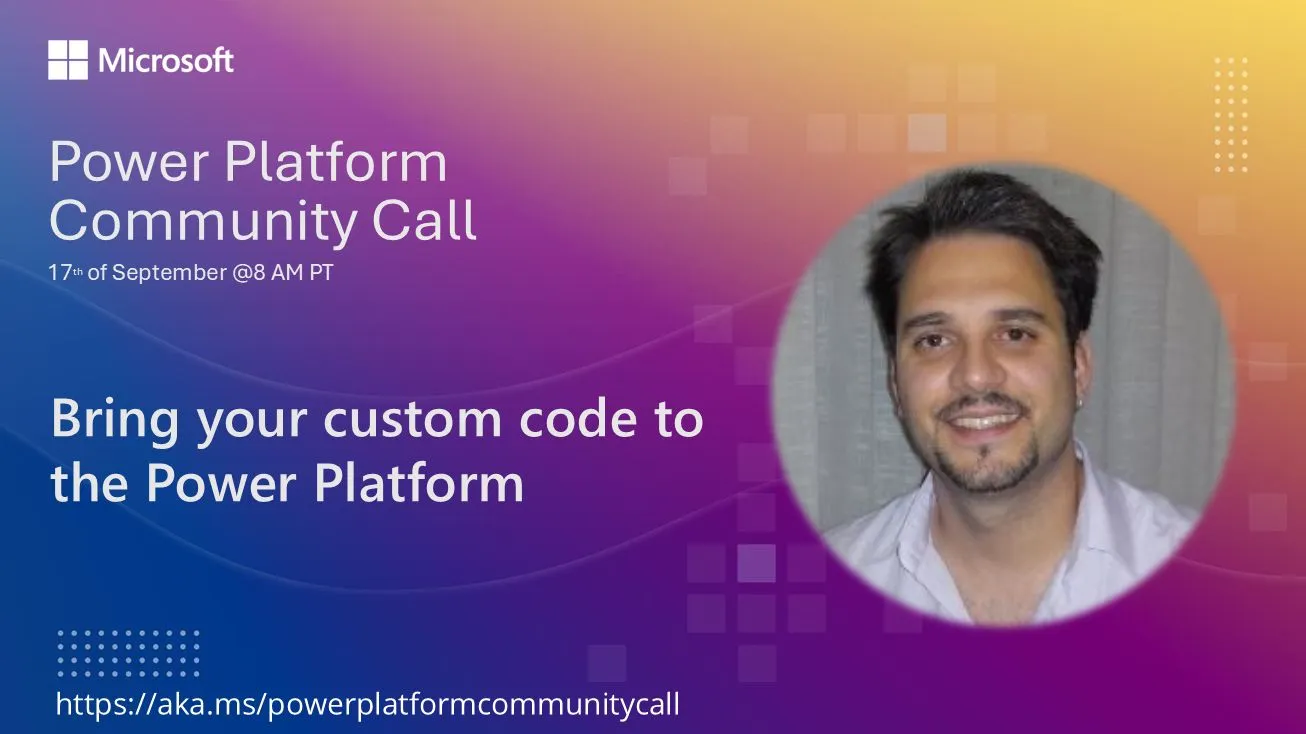
In this episode of the Community call, I’ve discussed Power Apps Code Apps, a new code-first approach for building Power Platform applications using TypeScript and React in a node-based environment following professional development practices. I wanted to emphasize that developers can create fully custom-coded Power Apps that run locally during development and deploy to the Power Platform while maintaining access to all platform capabilities like connectors and security features.
I outlined a four-step process to bring a code-based Power App to life:
- enabling code apps in the target Power Platform environment (via the Power Platform admin center),
- setting up all necessary development tools on a local development machine,
- initializing a Vite application and configuring the Power Apps SDK, as well as
- running the application locally by accessing the local development server from the Power Platform.
Note: Even deploying to the Power Platform would only require a single command.
The general purpose of this speech was to introduce developers to this disruptive new approach that brings professional coding practices to the Power Platform ecosystem.